🎯 Quick Answer
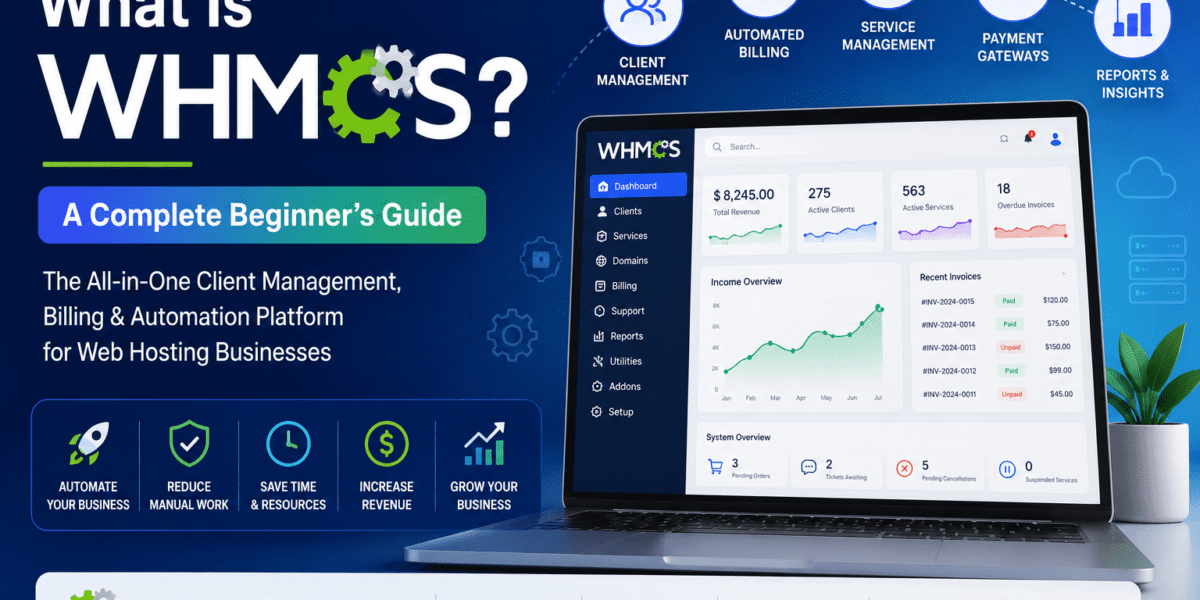
WHMCS (Web Host Manager Complete Solution) is an all-in-one billing and automation platform built specifically for web hosting companies. It handles invoicing, customer signups, domain registration, server provisioning, and support tickets — all from a single dashboard. If you sell hosting, reseller plans, or domains, WHMCS does the boring back-office work so you can focus on growing your business.
What Is WHMCS? (The Plain-English Version)
WHMCS is a billing and automation platform for web hosting companies. Think of it as the “operating system” that runs the business side of a hosting company — the part your customers never see, but that makes everything tick. When someone signs up for a hosting plan on a provider's website, fills in their details, pays for the order, gets their cPanel login emailed to them, and later opens a support ticket — chances are very high that WHMCS is the software pulling all those strings behind the scenes.
The name stands for Web Host Manager Complete Solution, and that's a pretty good summary of the whmcs meaning: one piece of software that bundles together every tool a hosting company needs to run day-to-day. It's used by over 35,000 customers across more than 200 countries, making it the most popular hosting automation tool on the market.
👉 Ready to automate your hosting business in 2026?
Get Started with WHMCS →What Does WHMCS Actually Do? (Core Features)
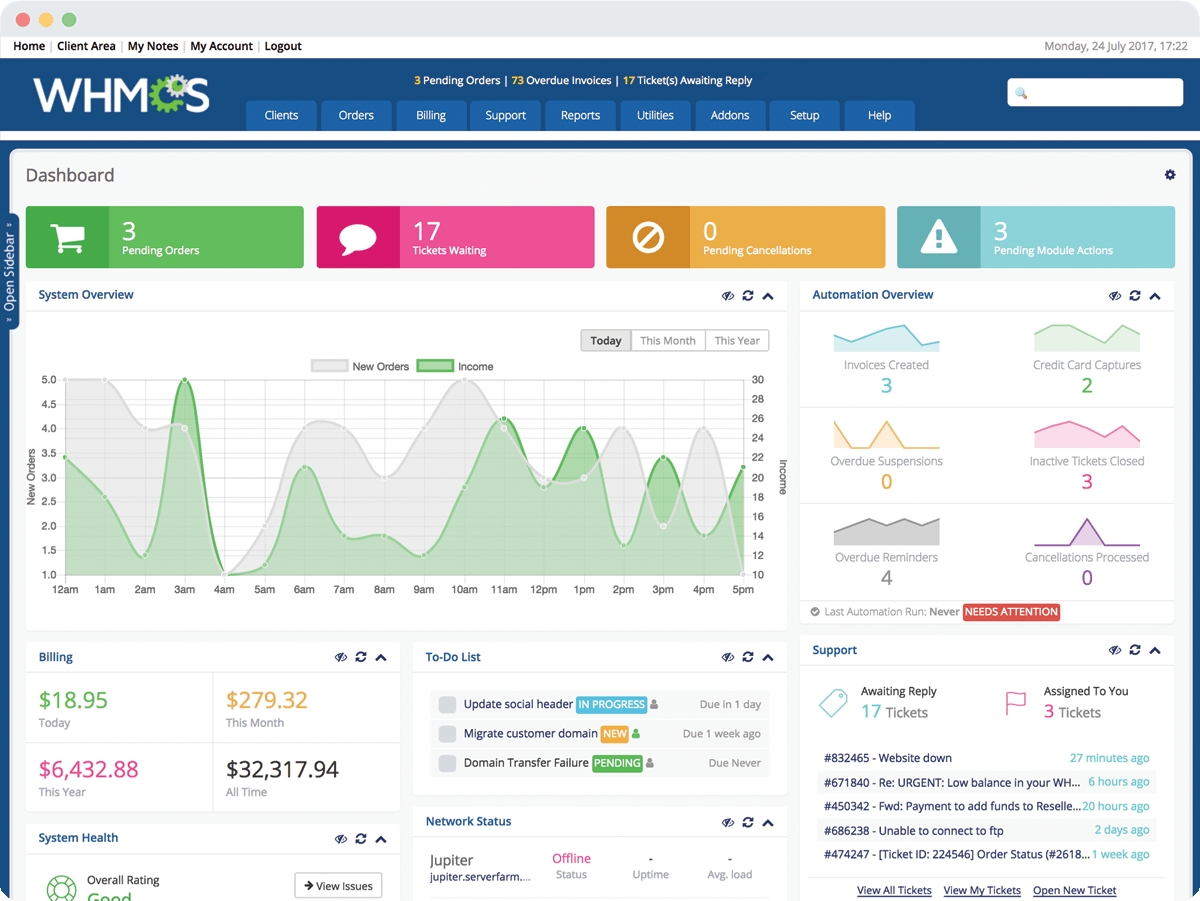
WHMCS combines six different “businesses worth” of software into a single platform. Here's a quick tour of what the WHMCS system does once you install it:
Automated Billing
Generates invoices, charges credit cards on schedule, sends payment reminders, applies taxes, and handles refunds — all without you lifting a finger.
Server Provisioning
The moment a customer pays, WHMCS talks to cPanel, Plesk, or DirectAdmin and creates their hosting account automatically. No manual setup.
Domain Management
Integrates with registrars like Namecheap, Enom, and ResellerClub to register, renew, and transfer domains directly from your dashboard.
Support Tickets
A built-in helpdesk with ticketing, knowledgebase, downloads, and announcements — so customers can self-serve or reach you easily.
Client Management (CRM)
Tracks every customer's services, invoices, payment history, and communications in one organized client profile.
Modules & API
Hundreds of payment gateway, control panel, and add-on modules let you extend WHMCS for almost any niche or workflow.
💡 In Simple Terms
Without WHMCS, a hosting business would need separate tools for accounting, customer accounts, cPanel setup, domain ordering, and support — plus a developer to glue them all together. WHMCS replaces that whole tangled stack with one product.
Watch: WHMCS Explained in Under 2 Minutes
Sometimes a quick video makes the concept click faster than reading. Here's the official overview from WHMCS itself:
What Is WHMCS Used For? (Real-World Use Cases)
When people ask “what is whmcs used for”, the honest answer is: any business that needs to sell a recurring digital service. But the platform was built — and is still primarily used — for these specific scenarios:
- Selling shared hosting, VPS, and dedicated servers — the original use case. A customer orders a hosting plan, WHMCS creates the cPanel/Plesk account, charges the card, and sets a recurring invoice cycle.
- Reseller hosting businesses — if you buy a reseller plan from a provider and want to white-label it under your own brand, WHMCS gives you the customer-facing storefront and admin panel. See our best reseller hosting providers for compatible options.
- Domain reselling — agencies that want to offer domain registration as a side service plug their registrar API into WHMCS and resell with markup automatically.
- Web design and digital agencies — managing recurring website maintenance, hosting bundles, and client billing in one tool.
- SaaS-style services — anyone selling recurring digital products (VPN, email, cloud storage) can use WHMCS as a billing backend.
Who Uses WHMCS? (Is It for You?)
WHMCS is a “boring but essential” tool — meaning the people who need it know exactly why they need it. Typical users include:
Hosting Companies
From two-person side hustles to multi-million-dollar providers managing 50,000+ clients.
Resellers
Anyone reselling cPanel hosting, WordPress hosting, or domains under their own brand name.
Web Agencies
Design and dev shops that bundle hosting into client retainers and want clean recurring billing.
MSPs & IT Firms
Managed service providers using it as a lightweight CRM + billing system for recurring contracts.
If you're only running a single WordPress blog or you're a regular hosting customer, you don't need WHMCS — you're on the other side of the screen. WHMCS is for the people who sell hosting, not those who buy it.
How Much Does WHMCS Cost?
WHMCS is paid software, and as of January 2026, pricing tiers are based on how many active clients you have:
| Plan | Monthly Price (2026) | Active Clients | Best For |
|---|---|---|---|
| Starter | $9.99 (branded) | Up to 20 | Brand-new hosts testing the waters |
| Plus | $34.95 | Up to 250 | Small hosting startups |
| Professional | $54.95 | Up to 1,000 | Growing hosting businesses |
| Business | From $84.95 | 2,500 – 10,000+ | Established hosting providers |
The 2026 price increase has been a hot topic in the hosting community. For a complete breakdown of every tier, branded vs. unbranded options, and add-on costs, see our detailed WHMCS pricing guide.
“WHMCS isn't the cheapest tool you'll buy — but the time it saves on automation usually pays for itself within the first 30 customers.”
How Does WHMCS Compare to Alternatives?
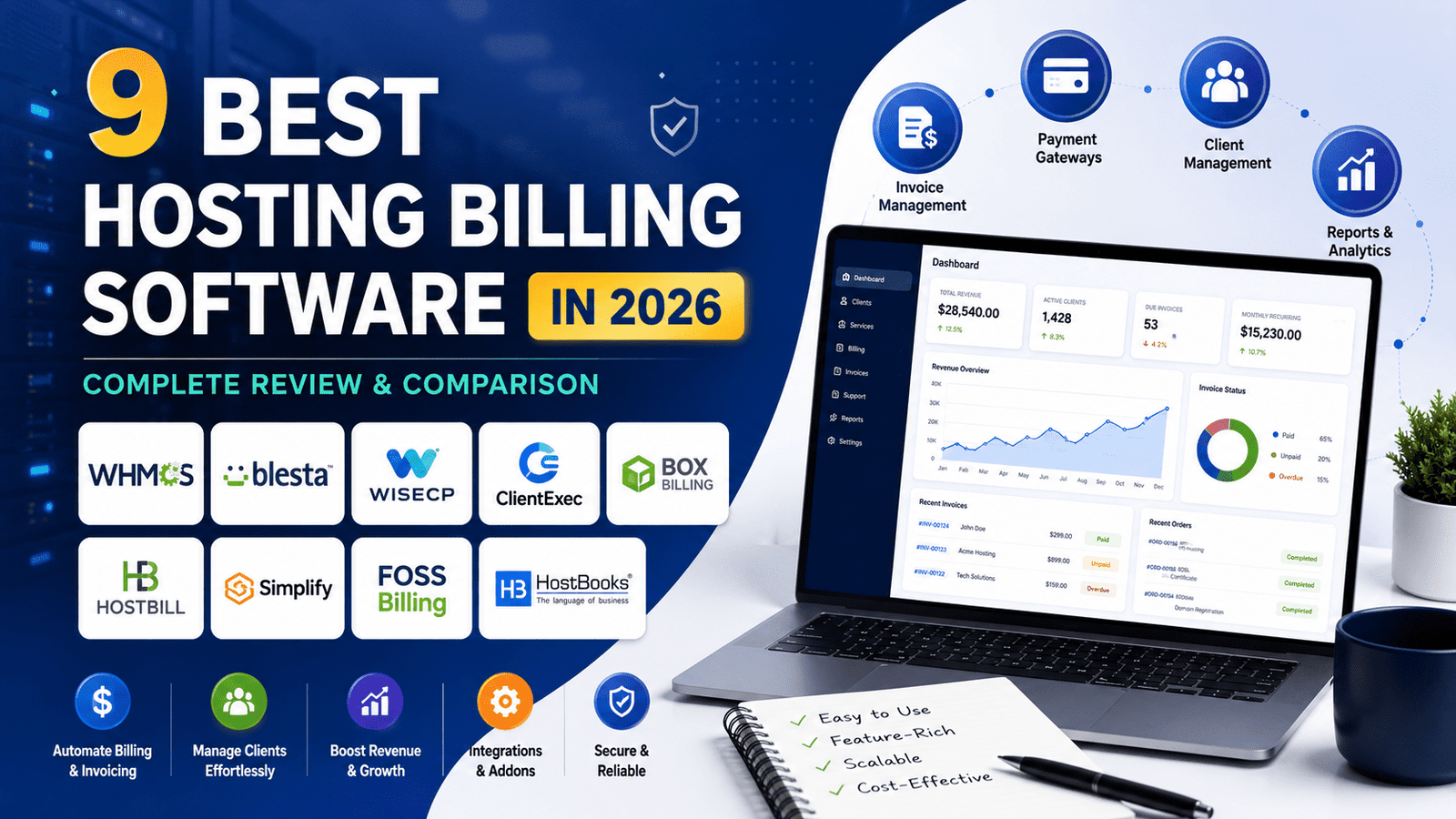
WHMCS dominates the market, but it's not the only player. Here's a quick comparison with the main competitors:
| Platform | Starting Price | Open Source? | Best Known For |
|---|---|---|---|
| WHMCS | $9.99/mo | No (paid license) | Market leader, huge module library |
| Blesta | $13.95/mo | Partial (source available) | Clean code, developer-friendly |
| HostBill | $59/mo | No | Advanced features, modern UI |
| ClientExec | $9.95/mo | No | Affordable, lightweight |
| WISECP | $19.99/mo | No | Modern design, popular in Europe |
For a deep dive on every option, including free and open-source choices like Paymenter, check out our full roundup of the best WHMCS alternatives. You can also read direct head-to-heads like WHMCS vs Blesta and WHMCS vs HostBill.
Pros and Cons of WHMCS
What's Great
- Industry-standard — every hosting tool integrates with it
- Massive module marketplace (hundreds of add-ons)
- Strong documentation and active community
- Handles complex tax setups (EU VAT, GST, etc.)
- Reliable automation that “just works” once configured
- Mobile admin app for managing on the go
Where It Falls Short
- Pricing has climbed steadily year over year
- Default client area looks dated without customization
- Learning curve in week one can feel steep
- Closed source — no peeking under the hood
- Some premium modules add to the running cost
How to Get Started with WHMCS
Getting WHMCS up and running isn't as scary as it looks. Here's the simplified path most new users follow:
- Buy a license from whmcs.com (or get a bundled deal from your hosting provider).
- Install it on your server — usually a 10-minute job on any cPanel/Plesk environment with PHP 8+.
- Connect a payment gateway like Stripe, PayPal, or one of the dozens of regional options.
- Add your hosting products and connect your control panel (cPanel WHM, Plesk, DirectAdmin).
- Set up domain registrars if you plan to resell domains.
- Customize the client area to match your brand.
- Configure automation tasks via cron — this is what makes the magic happen.
If you want a step-by-step walkthrough with screenshots, our full WHMCS setup guide covers every screen from install to first invoice. Also worth a read: choosing payment gateways for WHMCS and common WHMCS mistakes to avoid.
🚀 Skip the setup headaches — launch your hosting business the smart way
Start with WHMCS Today →Frequently Asked Questions
What does WHMCS stand for?
WHMCS stands for Web Host Manager Complete Solution. The name reflects its all-in-one nature — combining web host management (WHM), client billing, and complete business automation into a single platform for hosting companies.
What is the WHMCS meaning in simple words?
The whmcs meaning is best understood as “the back-office software that runs a web hosting business.” It's the tool that automates billing, sets up customer hosting accounts, manages domains, and handles support tickets — so hosting owners don't have to do all that work manually.
What is WHMCS used for in 2026?
WHMCS is used to automate every repetitive task a hosting company faces: sending invoices, charging cards on a recurring schedule, creating cPanel accounts the moment a customer pays, registering domains, managing support tickets, and tracking client relationships. In short, it's used to run a hosting business on autopilot.
Is WHCMS (or WHCMS) the same as WHMCS?
Yes — WHCMS is a common typo for WHMCS. The correct spelling is W-H-M-C-S (Web Host Manager Complete Solution). If you've been searching “whcms” and landing on hosting articles, you're in the right place.
Is WHMCS free?
No, WHMCS is paid software. Plans start at around $9.99/month for the Starter tier (branded, up to 20 clients) and go up from there based on client count. There's no permanently free version, though some hosting providers bundle a WHMCS license with reseller plans.
Do I need WHMCS to start a hosting business?
Technically no — you could manually invoice clients and set up cPanel accounts by hand. But practically, almost every hosting business with more than 5–10 customers uses WHMCS or an alternative (Blesta, HostBill, ClientExec) because the manual work becomes unsustainable fast.
Does WHMCS work with cPanel and WHM?
Yes — WHMCS has the deepest cPanel/WHM integration of any billing platform. WHMCS is actually owned by WebPros, the same company that owns cPanel. It also integrates natively with Plesk, DirectAdmin, InterWorx, and many other control panels.
How long does it take to learn WHMCS?
You can get a basic setup running (one product, one payment gateway, one cPanel server) in a single afternoon. Becoming truly comfortable with advanced features like custom hooks, complex tax rules, and add-on modules typically takes 2–4 weeks of hands-on use.
Final Verdict
The Bottom Line on WHMCS
If you're starting or running a web hosting business in 2026, WHMCS is still the safest, most well-supported choice. It's not the cheapest, and the UI isn't the prettiest — but the depth, the ecosystem, and the reliability make it the default answer for a reason. Beginners should expect a one-week learning curve, after which the platform basically runs itself.
Get WHMCS Now →Key Takeaways
- ✅ WHMCS = billing + automation software built specifically for web hosting companies.
- ✅ It handles invoicing, provisioning, domain management, and support tickets from one dashboard.
- ✅ Used by 35,000+ hosting businesses in 200+ countries — the de facto industry standard.
- ✅ Pricing starts at $9.99/month and scales with your client count.
- ✅ Best alternatives in 2026: Blesta, HostBill, ClientExec, WISECP, and Paymenter.
- ✅ Not free — but pays for itself once you have more than ~20 paying customers.